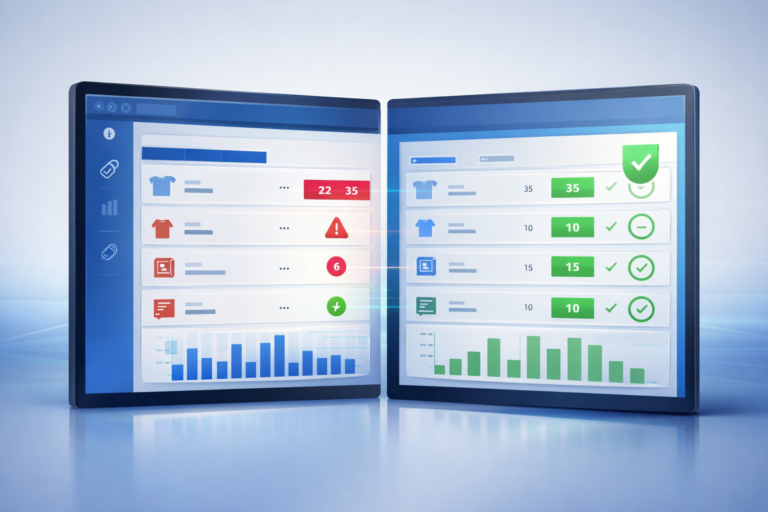

Square and QuickBooks Not Syncing? Here’s What’s Actually Going Wrong
If Square and QuickBooks are not syncing correctly, you are likely dealing with mismatched reports, missing data, or reconciliation headaches.
This is one of the most common issues for retail and service businesses, and it is rarely caused by user error.
Why Square and QuickBooks do not match
1. Different data structures
Square records transactions in detail, while QuickBooks summarizes financial data. This mismatch can create reporting differences.
2. Sync delays
Many integrations batch data instead of syncing in real time, leading to temporary discrepancies.
3. Incorrect mapping
Taxes, fees, refunds, and discounts are often categorized incorrectly, causing financial reports to drift.
4. Middleware issues
Third-party connectors can introduce errors, delays, or duplicate entries.
Common problems caused by sync issues
- Time-consuming reconciliation
- Inaccurate reports
- Missing or duplicated transactions
- Stress during tax season
How to fix sync issues
To fix syncing problems, businesses need better integration and data handling.
- Use reliable integration tools
- Ensure proper mapping of financial data
- Reduce reliance on manual corrections
- Keep systems aligned consistently
How Brisk helps
Brisk improves how operational and accounting systems work together by reducing data inconsistencies and minimizing manual cleanup. This leads to more accurate reporting and less time spent fixing errors.
Final thoughts
If your systems are not syncing, the issue is usually the integration, not your process.
Need help fixing your sync issues? Talk to Brisk today.