
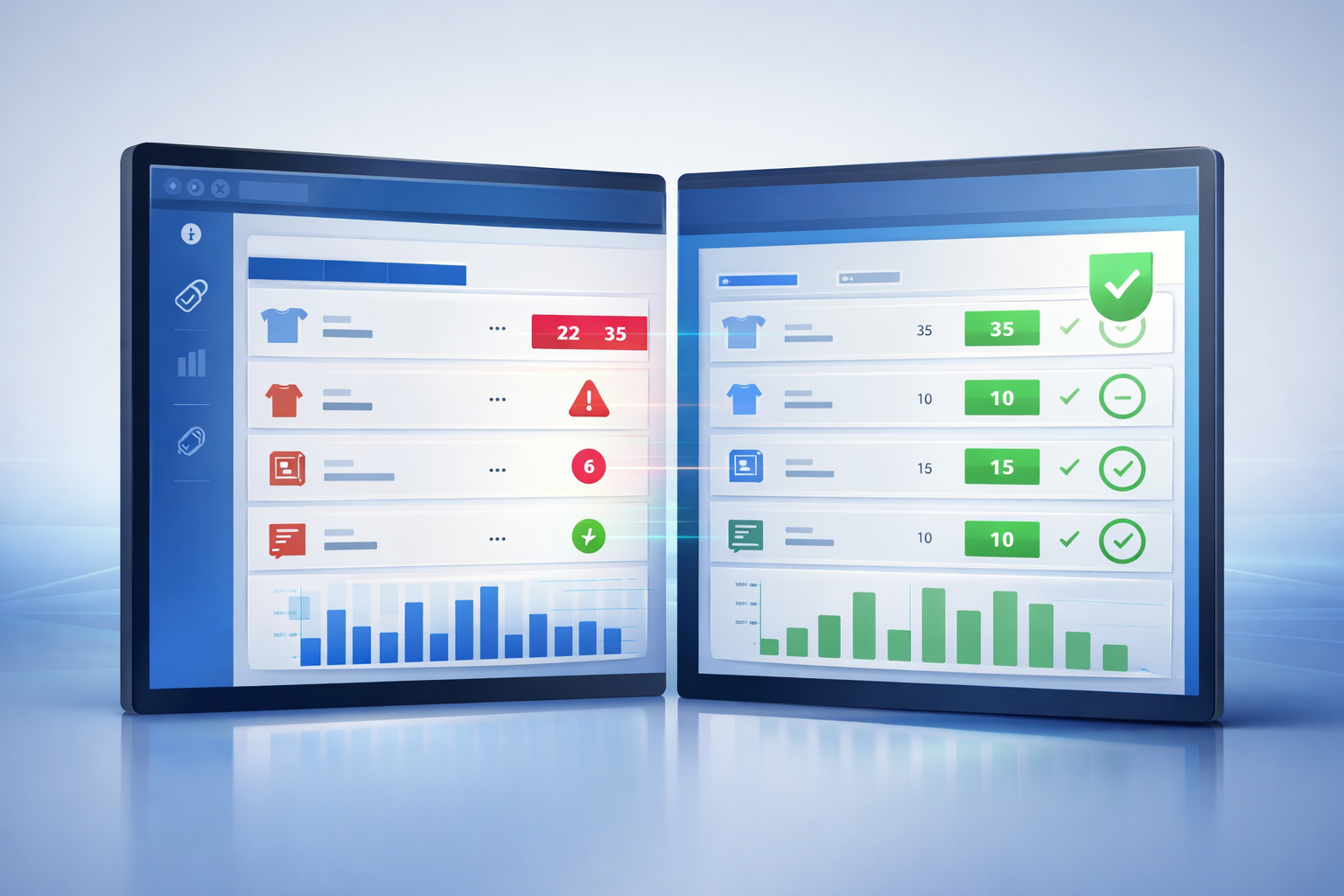
Why Your Inventory Is Always Wrong (And How to Fix It for Good)
If your inventory is always wrong, you are not alone. Many retail businesses deal with inventory errors that lead to stockouts, over-ordering, and unreliable reporting.
Whether you are dealing with missing products, extra stock, or numbers that never seem to match, the root problem is usually not your team. It is your system.
Why inventory goes wrong
1. Manual entry creates errors
Manual inventory tracking increases the chance of mistakes. Even small errors in counting or entry can snowball into larger discrepancies.
2. Systems are not properly connected
Your POS tracks sales while your accounting software tracks financials. When these systems are not aligned, inventory data becomes inconsistent.
3. Timing gaps cause mismatches
Sales happen instantly, but accounting updates later. This delay leads to inventory numbers that do not fully match reality.
4. Shrinkage and loss
Theft, damage, and miscounts contribute to inventory problems if they are not tracked quickly and accurately.
The cost of inventory errors
- Lost sales due to stockouts
- Overstock tying up cash
- Inaccurate financial reporting
- Poor purchasing decisions
How to fix inventory errors
The most effective way to fix inventory errors is to eliminate manual processes and improve system synchronization.
- Automate POS and accounting sync
- Track inventory in real time
- Reduce duplicate data entry
- Use a single source of truth
How Brisk improves inventory accuracy
Brisk helps businesses improve inventory accuracy by aligning sales, inventory, and financial data automatically. This reduces manual reconciliation and gives you reporting you can trust.
Final thoughts
If your inventory is always wrong, the problem is not effort. It is the system.
Want to fix your inventory accuracy? Contact Brisk to learn how automation can simplify your operations.