
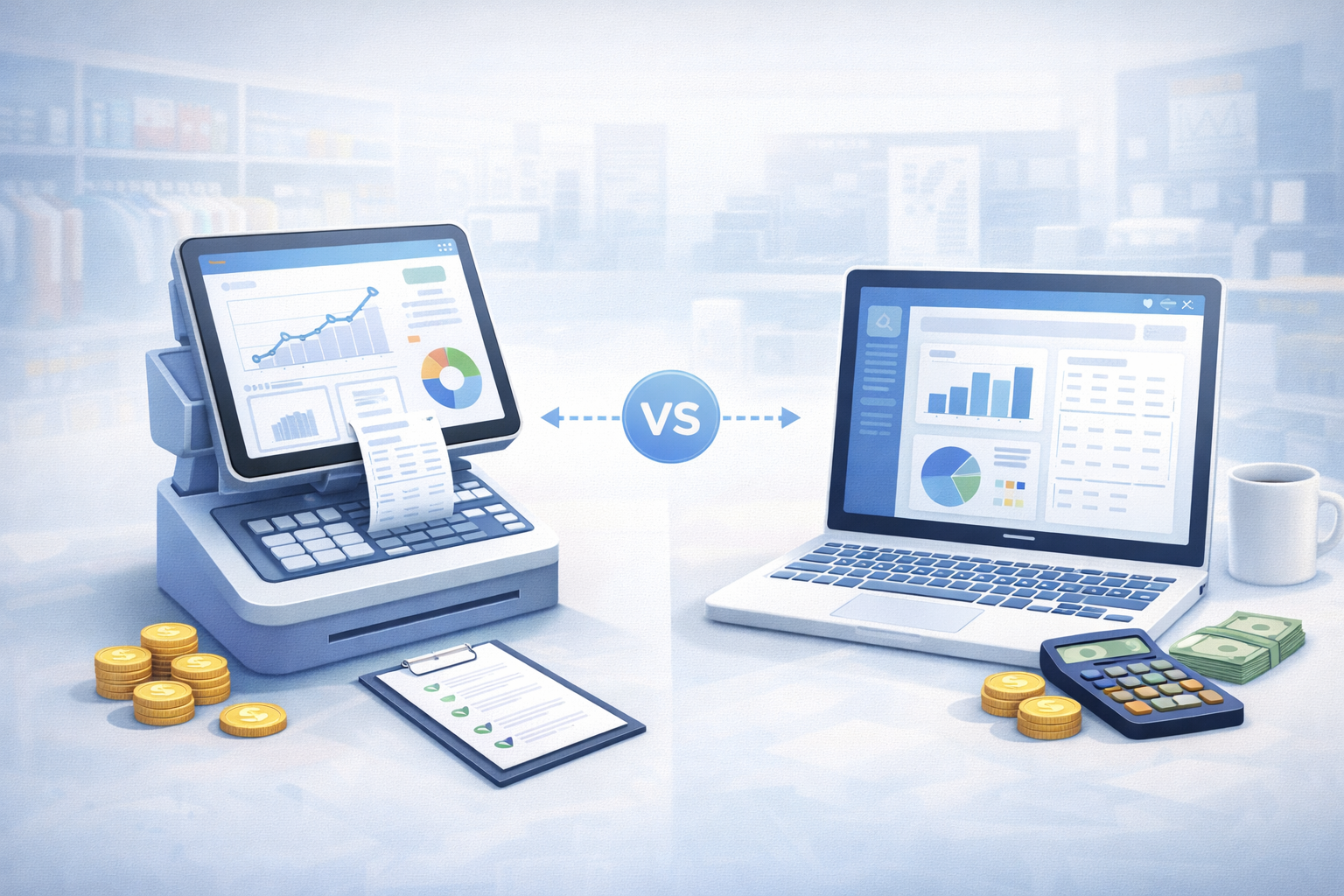
POS data and accounting data are related, but they are not the same thing. Understanding the difference helps explain why reports do not always match and why disconnected systems create so much cleanup.
A POS records what happened at the point of sale. Accounting records how that activity should be classified, reconciled, and reported financially.
What POS data is for
POS data is operational. It helps answer questions like:
- What sold?
- When did it sell?
- Who sold it?
- Which customer bought it?
- Which items moved out of inventory?
- Which discounts, returns, or taxes applied?
This data is useful for store operations, inventory movement, customer activity, and daily reporting.
What accounting data is for
Accounting data is financial. It helps answer questions like:
- What revenue should be recognized?
- Which taxes, fees, refunds, and discounts apply?
- Which accounts should activity post to?
- Which deposits need to reconcile?
- What does the financial statement show?
This data is useful for financial reporting, tax reporting, reconciliation, and management review.
Why the numbers differ
Differences often come from timing, mapping, fees, refunds, taxes, adjustments, or manual cleanup. A sale may happen on one day, settle later, and be reviewed in accounting at a different time.
That does not always mean something is wrong, but it does mean the business needs a clear process.
How to keep POS and accounting aligned
- Map revenue, taxes, discounts, fees, and refunds consistently
- Keep inventory movement tied to sales activity
- Review exceptions regularly
- Avoid duplicate manual entry
- Use reporting that understands both operational and financial context
How Brisk helps
Brisk is designed to keep POS, inventory, accounting, and reporting connected so the business is not constantly reconciling separate versions of the same work.
Related reading: Square and QuickBooks Not Syncing? and How to Automate Bookkeeping for Retail Stores.
Final thoughts
POS data and accounting data serve different purposes, but they need to work together. The closer they stay connected, the less time the business spends cleaning up after the sale.
Want cleaner POS and accounting alignment? Contact Brisk.